
Live sports
Lemo IPTV sports
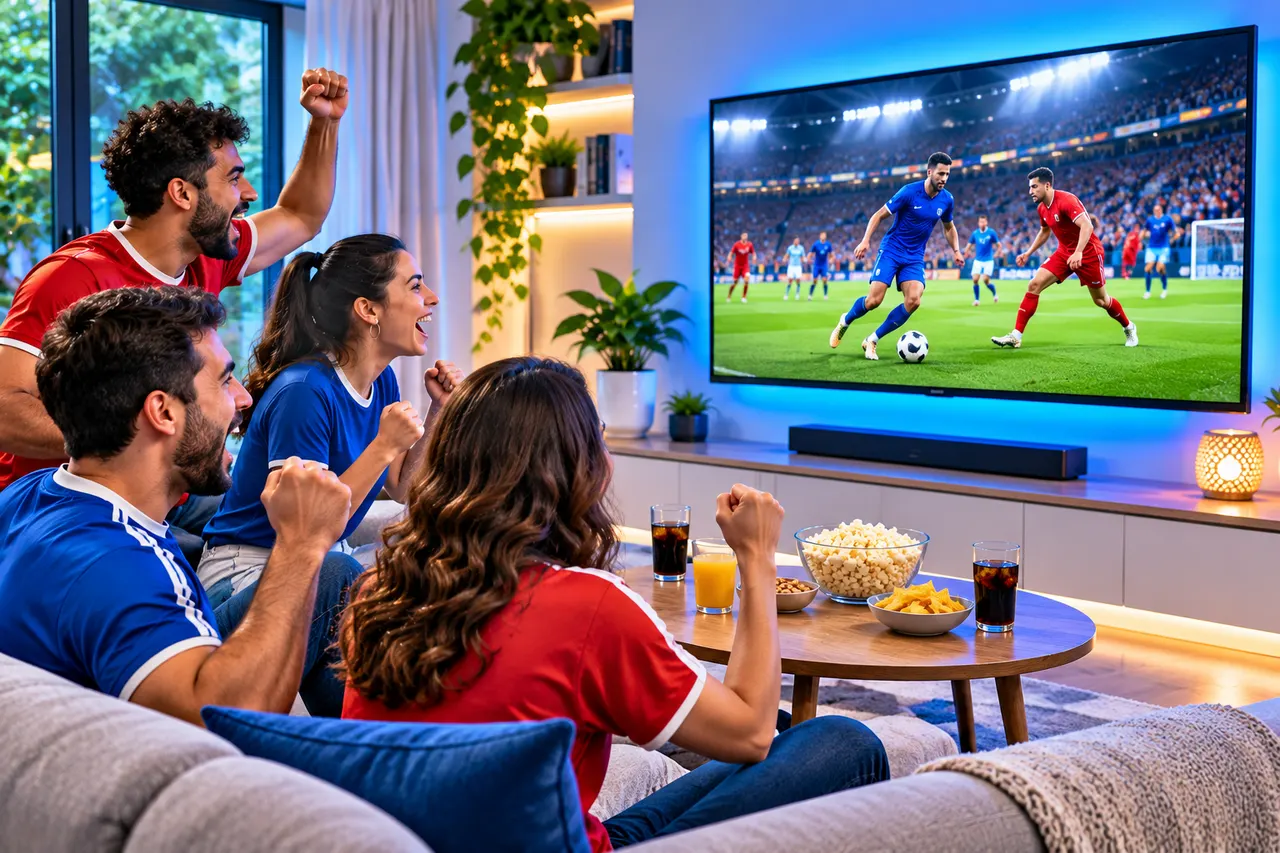
Lemo IPTV includes a sports channel group for live games, sports news and talk. The line-up changes over time, so we don't publish a list of leagues or promise a specific event. Here's what to expect, how to check a game before you pay, and how to get a smooth picture on match day.
What you'll find
Sports you can follow
- Football
- Basketball
- Baseball
- Ice hockey
- Soccer
- Combat sports
- Motorsport
- Tennis & golf
These are the kinds of sports covered by the channels in the sports group, not a guarantee that a particular league, team or match will be shown. Sports channels sit next to news, entertainment and kids' channels on the channels page.
Match-day setup
Tips for smooth live sports
Go wired for big games
Ethernet (or an Ethernet adapter on Fire TV and Google TV) is the best protection against buffering when everyone is streaming.
Test at game time
Use the free 24-hour trial during a live match in the evening, when your home network is busiest.
One game per screen
Watching two matches at once? Each screen that plays at the same time uses one connection on your plan.
Turn off motion smoothing
Fast action looks more natural with the TV's motion smoothing off and the picture mode on Standard or Sport.
More on this in how much internet speed you need and why IPTV buffers.
FAQ
Sports questions
Will a specific game or event be available?
Availability depends on the channel line-up at the time of the event, and we never promise a particular game in advance. If one event matters to you, message support before you order, or check during the free trial.
Is there a delay compared with cable?
Live streams over the internet usually run a little behind broadcast TV, typically by several seconds. It's normal for streaming and not a fault.
Can I watch two games at once?
Yes, on two devices, if your plan has two or more connections. Each device that's playing uses one connection.
The game buffers but other channels don't. What should I do?
Note the channel name and the time, and send them to support. That detail lets us check that exact stream. Our troubleshooting page also covers home-network checks.
Ready for the next game?
Start with a free 24-hour trial, or pick a plan from $13/month. $5.75/month works out cheapest on the 12-month plan.
- Free 24h trial
- 7-day refund
- No contract
- Real support