
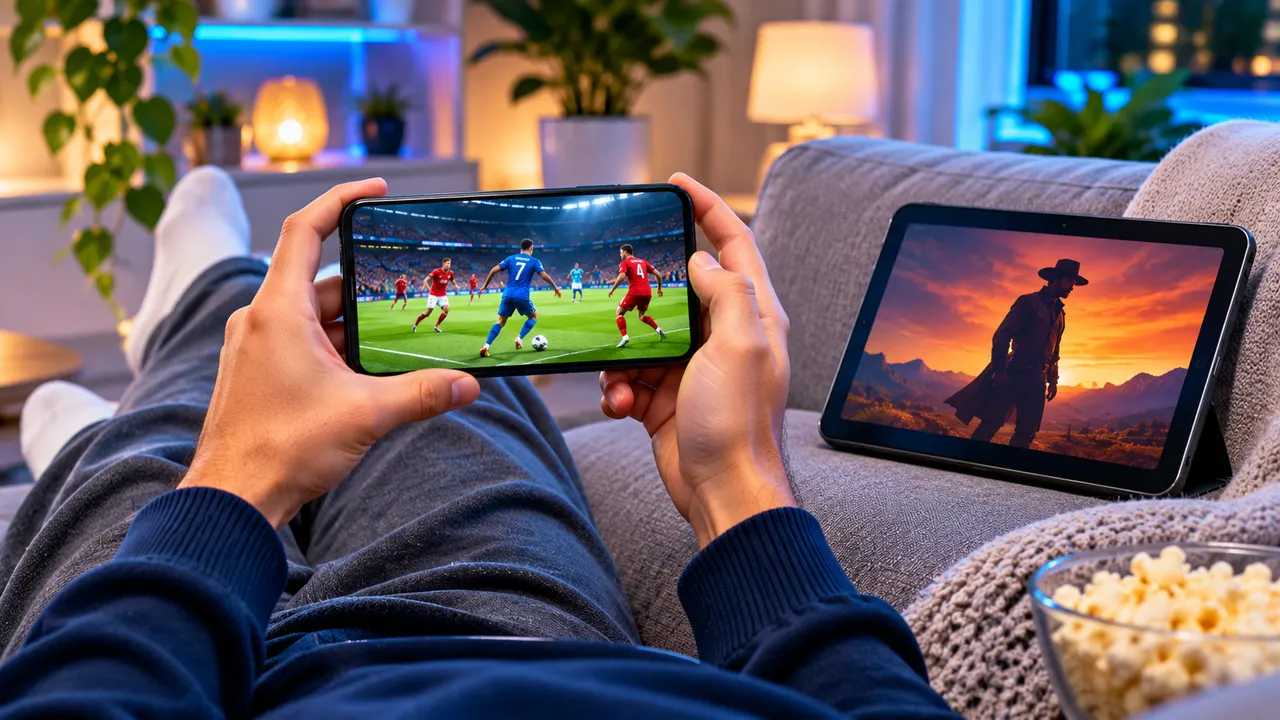
Covers: iPhone and iPad (iOS and iPadOS). Works with any player that accepts an Xtream Codes login or an M3U link.
What you need
- An iPhone or iPad with a recent iOS or iPadOS version
- Your Lemo IPTV login from the welcome email or WhatsApp (username, password, server URL — or the M3U link)
- Wi-Fi, or a mobile plan with enough data for video
Which player app to use
IPTV players in the App Store
Search “IPTV player” and choose one that supports Xtream Codes. Some players are free and some are paid to their developer.
Player apps are made by independent developers, not by Lemo IPTV. We don't host APK files. Why there's no Lemo IPTV app.
Step-by-step setup about 8 min
- 1
Install a player
Open the App Store, search “IPTV player”, check the listing supports Xtream Codes, and install it.
- 2
Add your account
Open the player, choose Add playlist → Xtream Codes, and paste the server URL, username and password from your welcome email. Copy and paste avoids typing mistakes.
- 3
Open Live TV
Once the list loads, pick a category and start a channel. Tap the star icon to add favorites.
- 4
Watch on the big screen (optional)
Use AirPlay to send the picture to an Apple TV or an AirPlay-compatible smart TV, if your player supports it. For daily TV watching, a player installed on the TV device itself is more reliable.
Tips for a better picture
- Video uses a lot of mobile data. Lower the player's quality setting when you're not on Wi-Fi.
- Picture-in-picture lets you keep a game playing while you use other apps, if your player supports it.
Common iPhone & iPad problems
- Stream stops when I lock the phone
- Some players stop playback in the background. Check the player's settings for background audio or picture-in-picture.
- Login works on TV but not on iPhone
- Check you're not over your connection limit: the TV and the phone each count as one connection while they are playing.
Something else? Lemo IPTV troubleshooting covers buffering, login errors and channels that won't load.
iPhone & iPad questions
Can I watch on my phone and my TV at the same time?
Yes, if your plan has two or more connections.
Is there a Lemo IPTV app in the App Store?
No. Use a third-party IPTV player. An app that uses our name isn't ours.
By Lemo IPTV Support Team. Written by the Lemo IPTV support team from the questions customers ask most. App menus change after updates; if a step looks different on your screen, message support.