
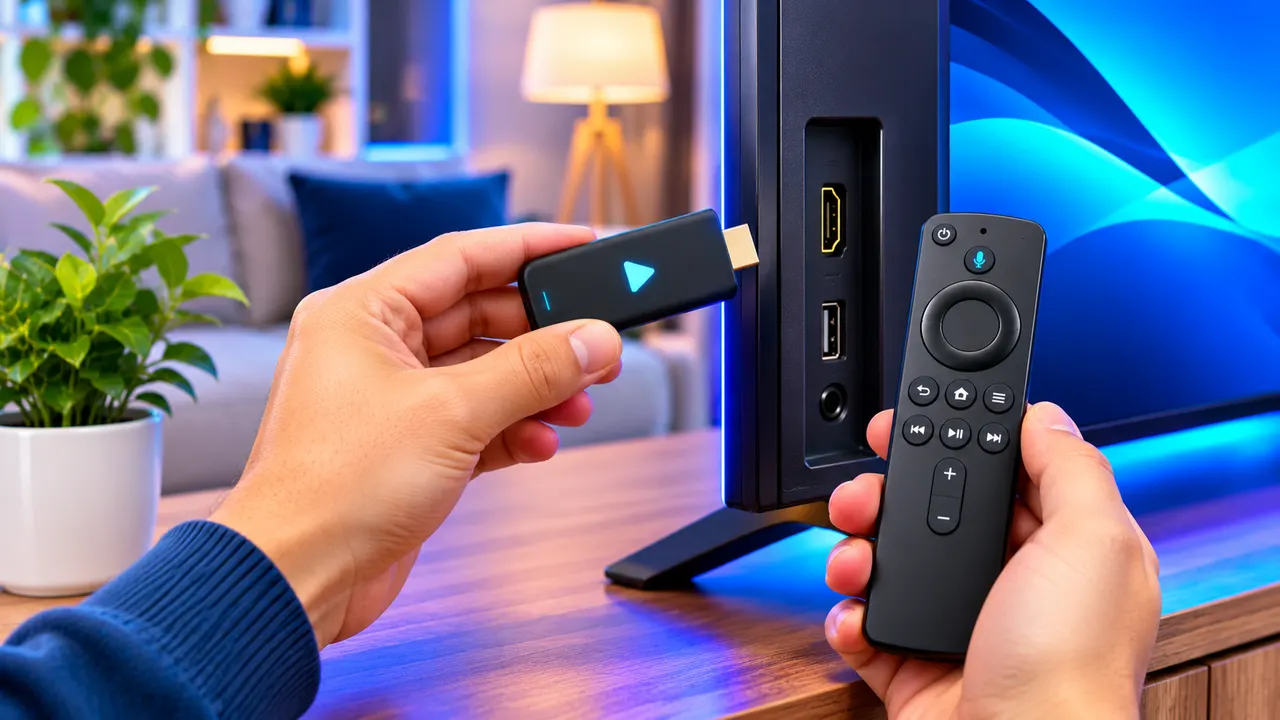
Covers: Fire TV Stick, Fire TV Stick Lite, Fire TV Stick 4K and 4K Max. Works with any player that accepts an Xtream Codes login or an M3U link.
What you need
- A Fire TV Stick plugged into the TV and connected to Wi-Fi
- Your Lemo IPTV login from the welcome email or WhatsApp (username, password, server URL — or the M3U link)
- The Fire TV remote (or the Fire TV app on your phone, which makes typing easier)
Which player app to use
Player from the Amazon Appstore
Search the Appstore for an IPTV player first. Apps installed from the store update on their own.
Player installed with Downloader
Many popular players aren't in the Appstore. Downloader installs them from the developer's own download link. Support sends you the current link.
Player apps are made by independent developers, not by Lemo IPTV. We don't host APK files. Why there's no Lemo IPTV app.
Step-by-step setup about 15 min
- 1
Turn on Developer Options
Open Settings → My Fire TV → About. Highlight your device name and press the select button seven times until “You are now a developer” appears. Go back one screen and Developer Options now shows in the list.
- 2
Install Downloader from the Appstore
On the home screen, open Find → Search, type Downloader and install the free Downloader app. It is listed in the official Amazon Appstore.
- 3
Allow Downloader to install apps
Go to Settings → My Fire TV → Developer Options → Install unknown apps and switch Downloader to ON. Leave every other app OFF.
- 4
Install your player app
Open Downloader and type the download link of the player you chose. Ask support for the current link; we never post APK files on this website. Select Install, then Done, and delete the installer file when Downloader asks.
- 5
Sign in with your Lemo IPTV login
Open the player and choose the Xtream Codes (or “Xtream API”) login. Type the username, password and server URL exactly as written in your welcome message, including the http:// part and any port number.
- 6
Wait for the first load
The first sign-in downloads the channel list, the movie and series library and the TV guide. On a Fire TV Stick this can take a few minutes. Don't press back while it loads.
- 7
Move the app to your home screen
Press and hold Home, choose Apps, highlight the player, press the menu button (three lines) and choose Move to front. From now on it opens in one click.
Tips for a better picture
- If your router is in another room, a Fire TV Stick 4K Max (Wi-Fi 6E) or an Ethernet adapter for Fire TV gives a steadier picture.
- Clear the player's cache (Settings → Applications → Manage installed applications) if the menus get slow after a few weeks.
- Turn off Settings → Preferences → Data Monitoring if you see quality warnings.
Common Firestick problems
- Developer Options is missing
- On some software versions you need to press the device name in About seven times before the menu appears. Restart the stick and try again.
- Downloader says the file can't be installed
- Check that Install unknown apps is ON for Downloader, and that the stick has at least 500 MB of free storage.
- “Invalid login” after typing the details
- Most of the time this is one wrong character. Retype the server URL, including the port, and check that capital letters match.
Something else? Lemo IPTV troubleshooting covers buffering, login errors and channels that won't load.
Firestick questions
Is it safe to turn on Developer Options?
It lets you install apps from outside the Appstore. Only install players from their developer's official link, keep Install unknown apps switched on for Downloader alone, and you can switch it off again after installing.
Can I use one login on two Firesticks?
Yes, if your plan has two or more connections. Each connection is one device watching at the same time.
Does Lemo IPTV have its own Firestick app?
No. We provide the login, and you watch in a third-party IPTV player. Any site offering a “Lemo IPTV APK” isn't us. See the IPTV apps article on our blog.
By Lemo IPTV Support Team. Written by the Lemo IPTV support team from the questions customers ask most. App menus change after updates; if a step looks different on your screen, message support.