
By Lemo IPTV Support Team. Published .
An IPTV subscription can be added to a player in two ways: an Xtream Codes login (server URL, username, password) or an M3U playlist link. The EPG is the TV guide that comes alongside. If your player supports Xtream Codes, use it: it's easier to type and usually brings in the guide and the movie library automatically.
Your Lemo IPTV welcome message includes both, so you can use whichever your player asks for.
What an M3U playlist is
M3U is a simple text format: a list of channel names, each followed by the address of its stream. An M3U link is the web address of that list. When you paste it into a player, the player downloads the list and shows the channels.
Good for:
- Players that only accept a playlist, such as VLC on a computer.
- Smart TV players where you add the playlist on the developer's website (see the smart TV guide).
Limits:
- The link is long, so typing it with a TV remote is slow and error-prone.
- Some players show only live channels from an M3U, without a separate movie and series library.
What an Xtream Codes login is
Xtream Codes (sometimes called "Xtream API") is a login format that many IPTV players understand. Instead of one long link, you enter three short things:
- Server URL, for example
http://example-server.com:8080. Type it exactly, includinghttp://and the port number if there is one. - Username
- Password
Good for:
- TVs and streaming sticks, because it's much shorter to type.
- Players with separate Live TV, Movies and Series sections, since Xtream Codes tells the player which is which.
- Loading the TV guide automatically in most players.
What the EPG is
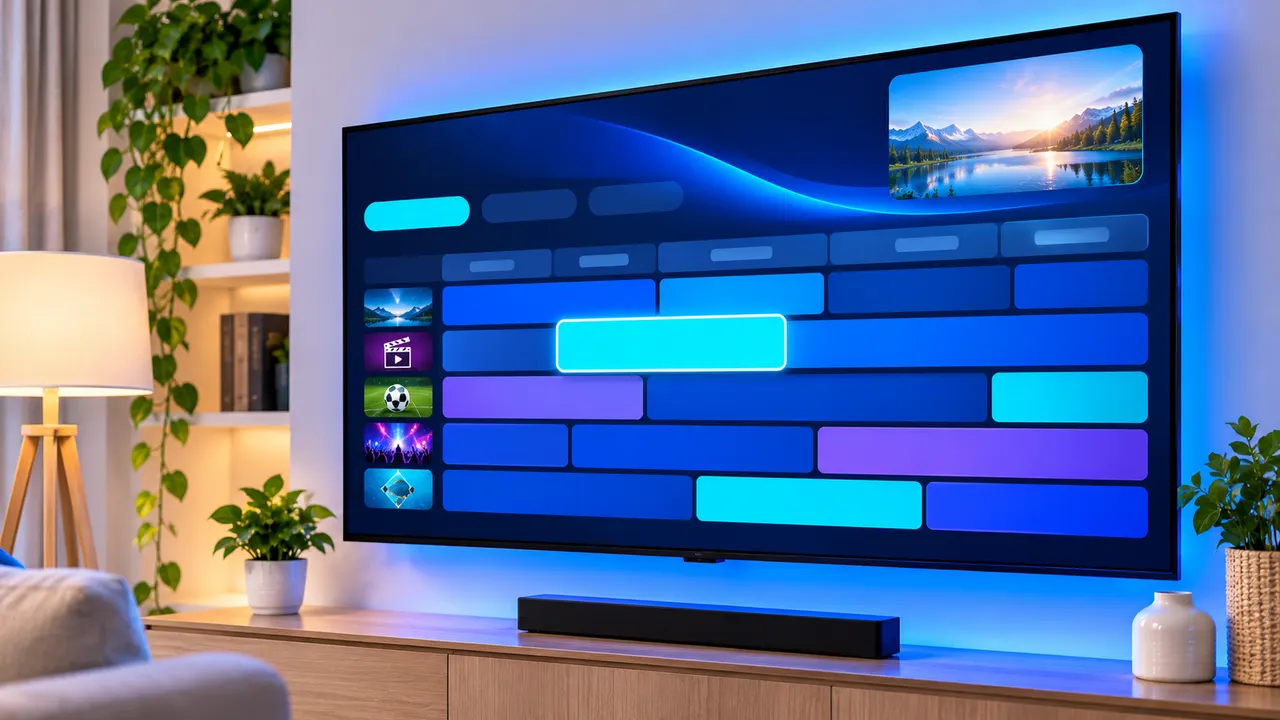
EPG stands for electronic program guide: the grid that shows what's on now and next, like a cable guide. It's a separate data feed from the streams. Your player downloads it and matches each guide entry to a channel.
- With an Xtream Codes login, most players fetch the EPG automatically.
- With an M3U link, some players need a separate EPG link (often called XMLTV). Ask support if your player asks for one.
When the guide is empty or wrong
- Empty guide: open the player's playlist settings and choose Update EPG, then wait a minute.
- Times are off by a few hours: set the correct time zone in the player and on the device.
- One channel has no guide: some channels don't have guide data. That's normal, and the channel itself still plays.
Which one should you use?
| Your situation | Use |
|---|---|
| Fire TV, Android TV, Apple TV, iPhone with a modern player | Xtream Codes |
| VLC on a computer | M3U link |
| Samsung or LG TV player that asks for a MAC address | M3U link on the developer's website |
| Player shows no movies or series | Switch to Xtream Codes if the player supports it |
Keep your login private
Your login works for as many simultaneous devices as your plan has connections, so anyone who has it can use your connections. Don't post it in forums or screenshots, and don't type it into websites that aren't your player's developer. If you think someone else has it, contact support.
Next steps
- Pick your device on the supported devices page and follow the guide.
- No login yet? Start with a free 24-hour trial.
- Choosing a plan? Read how to choose the right plan.